



 Features

- Disk space:
200 GO - Host:
100 Domains - Bandwidth
Unlimited - E-mail accounts
Unlimited - Cpanel:
10 Cpanel Account - SSL:
Included - Sub-domains:
Unlimited - Data bases:
Unlimited - 270 CMS Wordpress … :
included
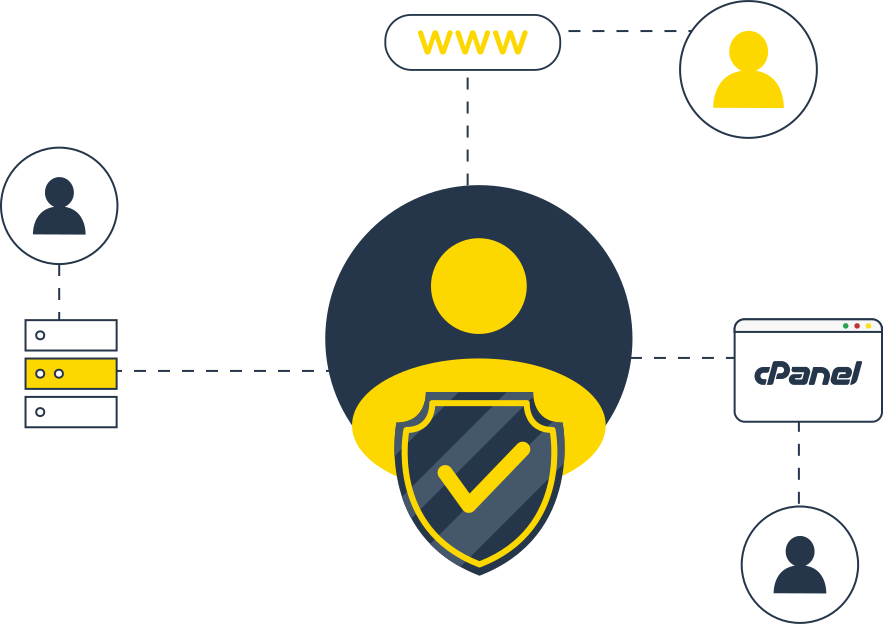
Reseller web hosting with WHM/cPanel account
Reseller hosting lets you create your own web hosting company by white-labeling our products. It's a great way to make money by becoming your own web hosting company or simply adding more value to your existing customers. And, with Ws.ma, you get complete control over every aspect of your business. While we stay behind the scenes. In other words: we provide the products, you take the credit. Yeah, it's pretty awesome.
Make money with reseller hosting
The WHM/cPanel account is particularly well-suited for freelancers or agencies offering design, development, and other business services to their clients. With reseller hosting, clients can purchase and host their websites through you as if you were the hosting company.

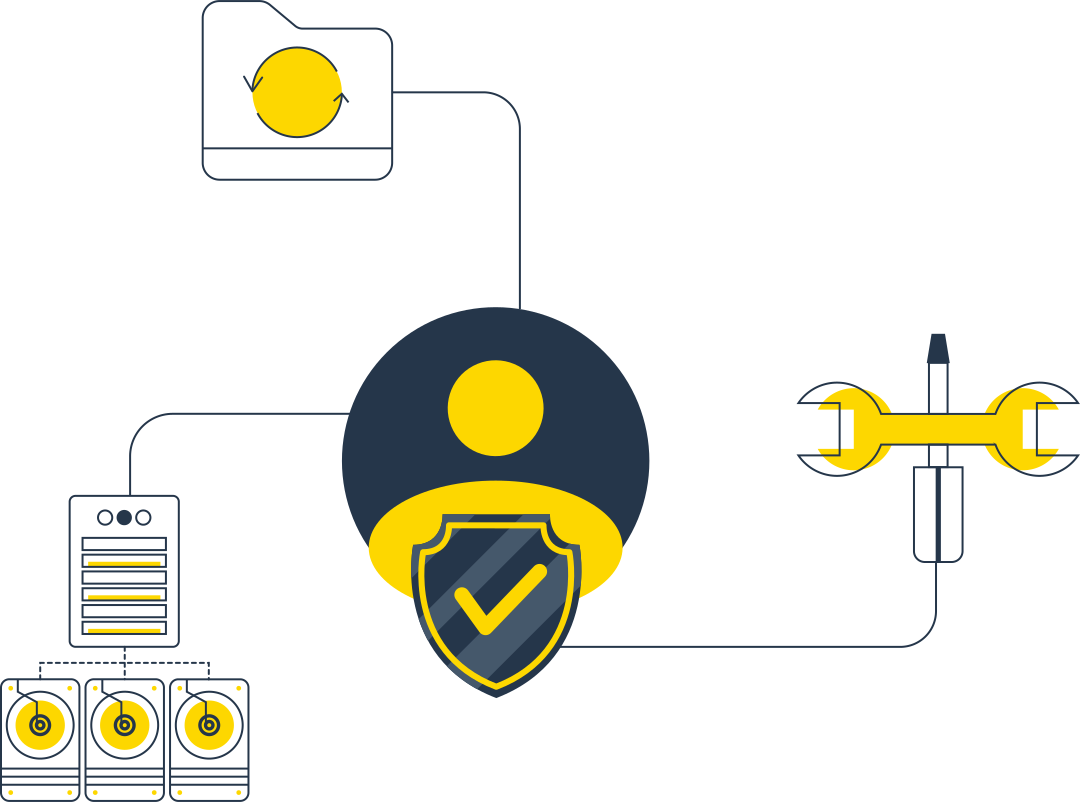
Reseller brand customization in WHM
WHM's customization feature allows resellers to modify key aspects of the interface. This is where you choose a company name, logo, and other branded interface elements. Log in to WHM with your reseller account and access Customization, which you'll find under cPanel in the sidebar menu.
Our advantages

Our services are automated to guarantee you total control and centralized management.

Depending on the service, you will be refunded within 3 to 30 days if you are not satisfied.

Several payment methods are available, including international and Moroccan bank cards, credit cards, and PayPal.
A reliable, stable, and serious technology partner
We are regularly among the first hosting companies to provide their users with access to the latest technologies
We work with state-of-the-art tools
Fast and secure web hosting in Morocco for businesses

LiteSpeed
Web acceleration solutions, web serving, load balancing and cache acceleration

SiteBuilder
Create a professional website in minutes, your way, fast and secure.

Imunify360
Immunify détecte, nettoie les logiciels malveillants et protège votre serveur et tous les sites hébergés

CloudLinux
Protecting your servers against attacks and preventing the disclosure of sensitive information

RedHat
Get the reliability you know and love, wherever enterprise computing goes.

DirectAdmin
Fast, stable and easy-to-use control panel with numerous features

cPanel
Official NOC partner of cPanel / WHM, the industry-leading web hosting platform

AlmaLinux
We have the AlmaLinux OS option for our VPS, cloud servers and dedicated servers.

Rocky Linux
Stable, production-ready, and rock-solid, it creates a super-stable experience, whatever the use case.
Frequently Asked Questions
Objective answers to frequently asked questions
- Once in the File Manager, open the public_html directory. Click Upload after entering the public_html directory. You can click "Select a file" to select a specific file, or simply drag and drop your file into the designated area.
- Shared hosting is ideal for beginners.
If this is your first time creating a website and you want to host your own site but outsource many of the complex technical tasks, shared hosting is an excellent choice.
- If you have a high-traffic website or a very large website, you may want to consider other hosting options, such as dedicated servers, VPS hosting, cloud server hosting, or even WordPress-specific hosting.
- Connectez-vous à votre panneau de contrôle cPanel via votre Hub Funio.
Tout en bas de la page, vous trouverez Softaculous Apps Installer, où vous pouvez choisir l'application/le logiciel/CMS que vous souhaitez installer. Vous pouvez aussi chercher un logiciel précis par catégorie.
Vous pouvez aussi choisir, dans la section Logiciel, Softaculous Apps Installer qui vous redirigera vers l'interface de Softaculous. Une fois le logiciel choisi, il suffit de cliquer sur Installation, puis de remplir les champs suivants.
Choisissez un protocole: HTTP://, ou HTTPS:// si vous avez un certificat SSL Choisissez un Domaine: Le nom de domaine sur lequel vous voulez installer le logiciel Dans le dossier:
Dans le cas où vous souhaitez que l'application soit installée dans un sous-répertoire du domaine spécifié (par exemple demofunio.com/blog), vous y mentionnez le sous-dossier.
Si vous avez déjà créé le sous-dossier, veuillez le supprimer car Softaculous va le créer lors de l’installation.